Video calls are not tiring because of the screen
Four hours of calls wrecks people in a way four hours of screen work does not. The reasons are specific, and three of the four have a setting you can change today.
A day of back-to-back calls leaves people flattened in a way that a day of ordinary screen work does not, even when the calls were easy and nobody argued. It is a distinct kind of tiredness and it is not just meeting fatigue with a webcam attached.
It has been picked apart properly, and the causes are oddly mechanical. Most of them are properties of the software rather than of the conversation.
You are being stared at, constantly
In a meeting room, one person speaks and everyone else looks at them. You are looked at for a small fraction of the time and you know when it is happening.
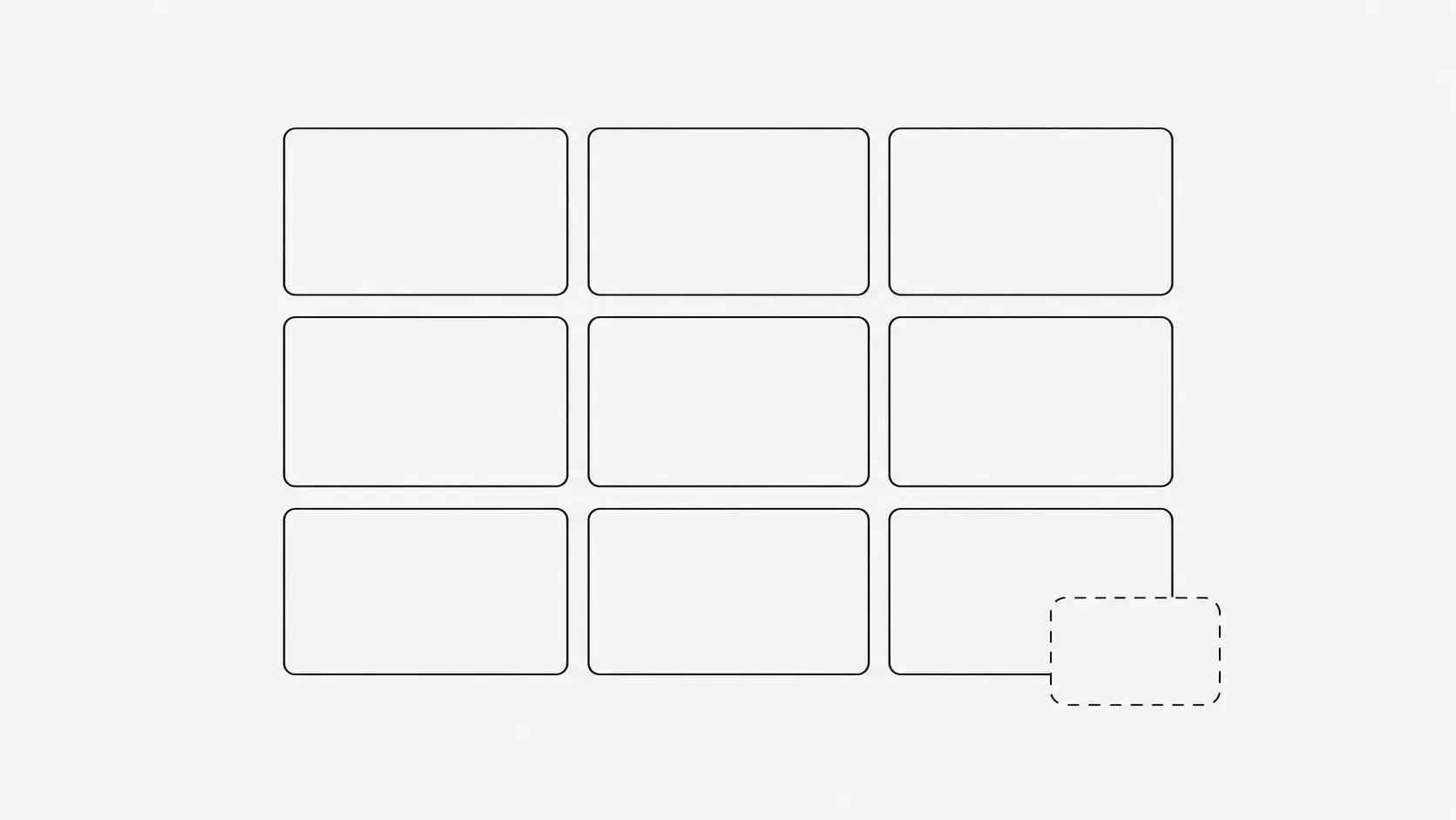
On a grid call, every face is pointed at you at all times, at a size that in person would mean intimacy or confrontation. A face filling a large monitor at close range is, in physical terms, someone standing well inside your personal space and holding eye contact. Your nervous system responds to that whether or not you believe it should, and it responds for the whole hour.
The size is not a metaphor. On a large monitor at normal viewing distance, a speaker in full-screen view can be rendered at close to life size, at a distance you would find uncomfortable in a corridor.
You are watching yourself all day
Self-view has no equivalent anywhere else in human experience. Nobody has ever held a mirror beside your face during every conversation you have, and yet that is the default state of most video software.
Self-focused attention is well established as tiring and self-critical, and here it runs for hours without any decision on your part. This is also the single easiest thing on this list to fix, and almost nobody does it, because the option is buried.
Nonverbal work has gone manual
In person, an enormous amount of signalling happens without effort. You lean, you glance, you turn your body, and other people read it in their peripheral vision.
On a call, none of that transmits. So you compensate deliberately: exaggerated nodding, holding your face in an attentive arrangement, waiting for a gap before speaking, checking whether your expression looks right in the mirror you were also given. Signals that used to be automatic have become conscious tasks, and conscious tasks cost something.
You have stopped moving
This is the one that overlaps with the rest of the desk, and for anyone whose job is now mostly calls it may be the biggest.
A camera has a fixed frame, and staying inside it means staying put. People who fidget, stand, pace or wander in a normal meeting sit rigidly still for six hours instead, because moving looks distracting on screen. Sitting still for hours is exactly the thing that produces the stiff neck, the sore back and the late-afternoon flatness that gets blamed on the meetings themselves.
| What you notice after a day of calls | What is usually behind it |
|---|---|
| Wiped out, but nothing hard happened | Sustained close-range faces and manual nonverbal work. |
| Self-conscious, replaying how you looked | Self-view. It ran for six hours. |
| Stiff neck and shoulders, sore lower back | Immobility. The frame kept you in one position. |
| Eyes dry and gritty | Reduced blink rate, same as any concentrated screen work. |
| Ravenous and foggy at 4pm | No breaks between calls, which is a scheduling problem rather than a video one. |
What actually helps
In order of how much they matter
- Hide self-view. Every major platform has it, usually as Hide Self View or Hide Me on the right-click menu of your own tile. Others still see you. This is the highest return per second of effort on the whole list.
- Shrink the window. Do not run calls full screen on a large monitor. A smaller window puts the faces back to a comfortable apparent distance.
- Turn your camera off for parts of long calls, and say so at the start so nobody wonders. Cameras-on-by-default is a convention, not a rule.
- Take some calls on audio and walk. Anything that is listening rather than presenting works fine as a phone call, and it also solves the immobility problem.
- End meetings at 25 and 50 minutes. The gap is not politeness, it is the only chance to stand up, look out of a window and blink.
The camera-on question
Cameras genuinely help for small discussions, new teams, difficult conversations and anything where reading the room matters. They add very little to a status update with fourteen people in it.
The workable position is that camera-on should be a decision per meeting rather than a norm applied to all of them. Teams that state this explicitly get the benefit without the six-hour cost, because the problem was never the camera, it was the camera being on by default from nine until five.
The short version
Video calls tire you out through close-range eye contact, an all-day mirror, nonverbal signalling that has become manual labour, and sitting rigidly inside a frame. Hide self-view, make the window smaller, take the listening calls on audio while walking, and leave five minutes between meetings. The conversation was never the expensive part.