Webcam, AirPods or wearable: which posture tracker actually sees you slouch?
A webcam, a pair of AirPods and a sensor on your back measure different parts of you, in different places, for different hours of the day. That decides more than the brand on the box.
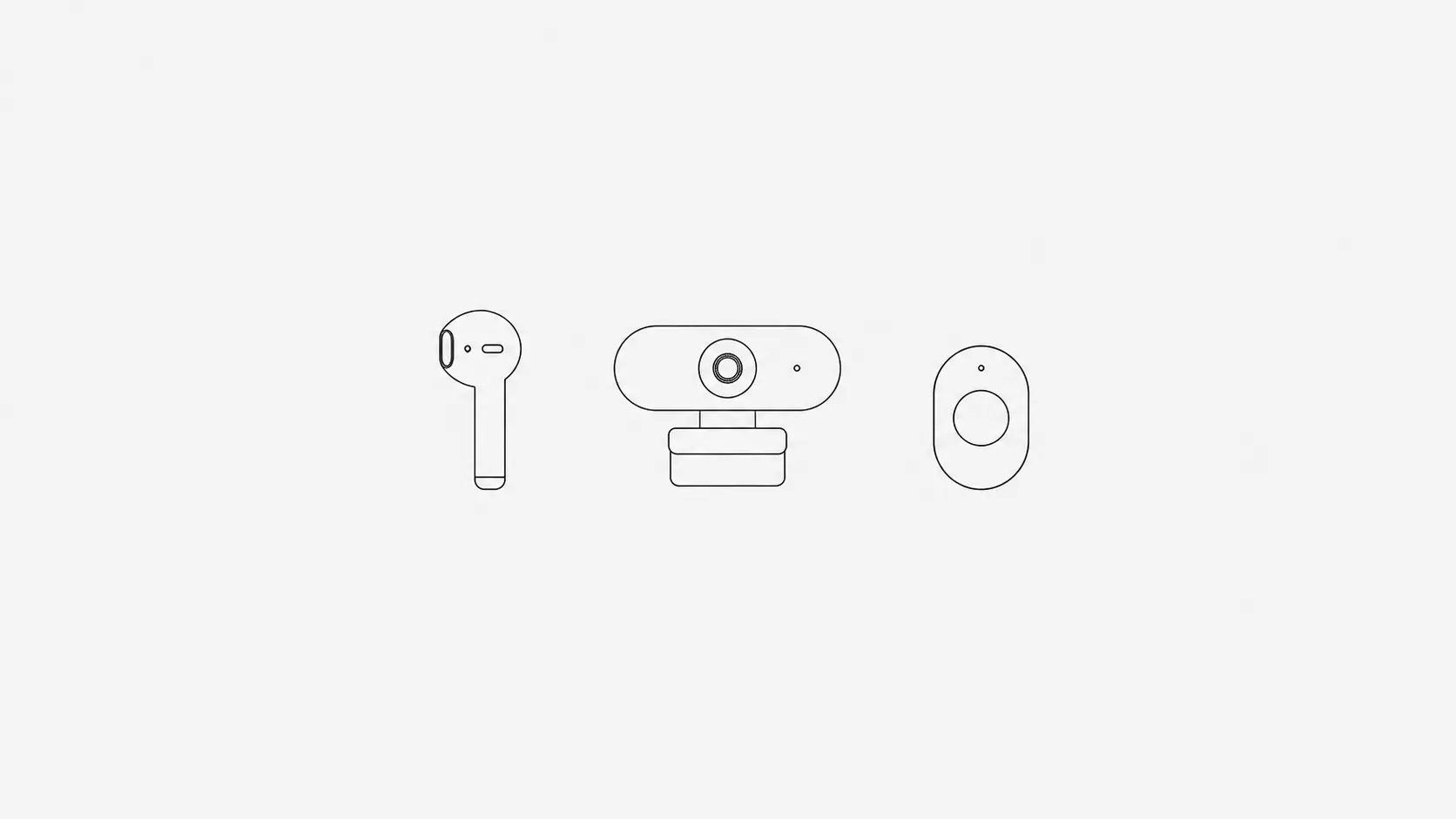
The short answer. A webcam sees the most at a desk: your head, your shoulders and how close you sit to the screen. AirPods see only the angle of your head, and only while they are in your ears, but they need no camera. A wearable on your back measures your spine directly and works anywhere, but only on the days you put it on. If you slouch mostly at a computer, TryWorkWell does the first two: the webcam on Mac and Windows, or AirPods on a Mac. If you slouch everywhere, a wearable like Upright GO 2 covers more.
What each one actually measures
| Webcam (TryWorkWell) | AirPods (TryWorkWell, Mac) | Wearable sensor (Upright GO 2) | |
|---|---|---|---|
| What it measures | Head and shoulders, and distance to the screen | Head angle only | Upper back angle |
| Where it works | In front of the computer | At the Mac, while the AirPods are in and connected | Anywhere, while it is worn |
| What you need | A Mac or Windows computer with a webcam | AirPods Pro, AirPods Max or AirPods (3rd generation or later), and macOS 14 or later | The device, worn and charged |
| Camera on | Yes, analysed on your computer, never recorded | No | No |
| How it nudges you | Notification with a sound | Notification with a sound | Vibration |
| Price | $4.99/month or $24.99 once, after a free trial | Included at the same price | $99.95 once |
Webcam: sees the most, at the desk
A webcam app calibrates to you sitting upright, then checks the camera every few seconds for your head and shoulders. Because it sees both, it can tell the difference between your whole upper body sinking and you simply looking down at your notes.
It is also the only one of the three that knows how close you are to the screen. Leaning in is often the first step of a slouch, and it matters for your eyes as well as your neck, which our article on monitor distance goes into.
The limits: it needs you in front of the camera, with enough light to see you, and it stops the moment you walk away. TryWorkWell analyses the camera on your own computer and discards each frame, so nothing is recorded or uploaded.
AirPods: no camera, but they only know about your head
AirPods Pro, AirPods Max and AirPods from the 3rd generation on carry a motion sensor that tracks which way your head is pointing, the same one used for spatial audio. On a Mac running macOS 14 or later, TryWorkWell can read it instead of the camera. You sit upright for about three seconds to calibrate, and from then on it tells you when your head drifts away from that position for too long, with the same alerts and posture score as the webcam.
That covers the classic forward head posture, with no camera running. But your head angle is not the whole story. You can round your upper back and slide down in the chair while keeping your eyes level with the screen, and a sensor in your ears has no way to see it. It cannot tell how close you sit to the screen either, so there are no screen distance alerts in this mode.
It also only tracks while the AirPods are in your ears and connected to the Mac. If they disconnect or switch over to your phone, TryWorkWell pauses and asks you to recalibrate when they are back. The motion data stays on the Mac. On Windows, TryWorkWell uses the camera. Our guide to AirPods posture tracking goes through setup and the models that work.
Wearable sensor: measures your back directly
Upright GO 2 sits on your upper back, stuck on or worn on a necklace, and vibrates when your back rounds past the angle you set. It measures the thing most people mean by posture, and it keeps working on the sofa, in the car or at a standing desk.
The catch is entirely practical. It has to be worn every day, in the right place, and kept charged, and it costs the most upfront. On the days it stays in the drawer, it tracks nothing. It also has no idea how close you are to the screen.
What they have in common
None of them holds you upright. What each does is tell you at the moment you slouch, which is the part you cannot do for yourself, because drifting forward does not feel like anything while it is happening. Our piece on posture braces explains why that cue does more than any amount of support.
So the best tracker is the one that is running during the hours you actually slouch, with a reminder you will not switch off.
Which one suits you
- You slouch mostly at the computer: TryWorkWell with the webcam. It sees the most, it also catches leaning in, and there is nothing to wear.
- You wear AirPods at your Mac for hours and would rather not have a camera on: TryWorkWell with AirPods.
- You slouch away from the desk too, or stand for work: a wearable like Upright GO 2.
- You are not sure: start with TryWorkWell's free trial, try both modes if you are on a Mac, and see which one you are still using at the end of the week.