The 90-degree rule is wrong
Knees at 90, hips at 90, elbows at 90. It is the most repeated desk advice there is, and it quietly misses the two things that actually decide how your neck and back feel at 5pm.
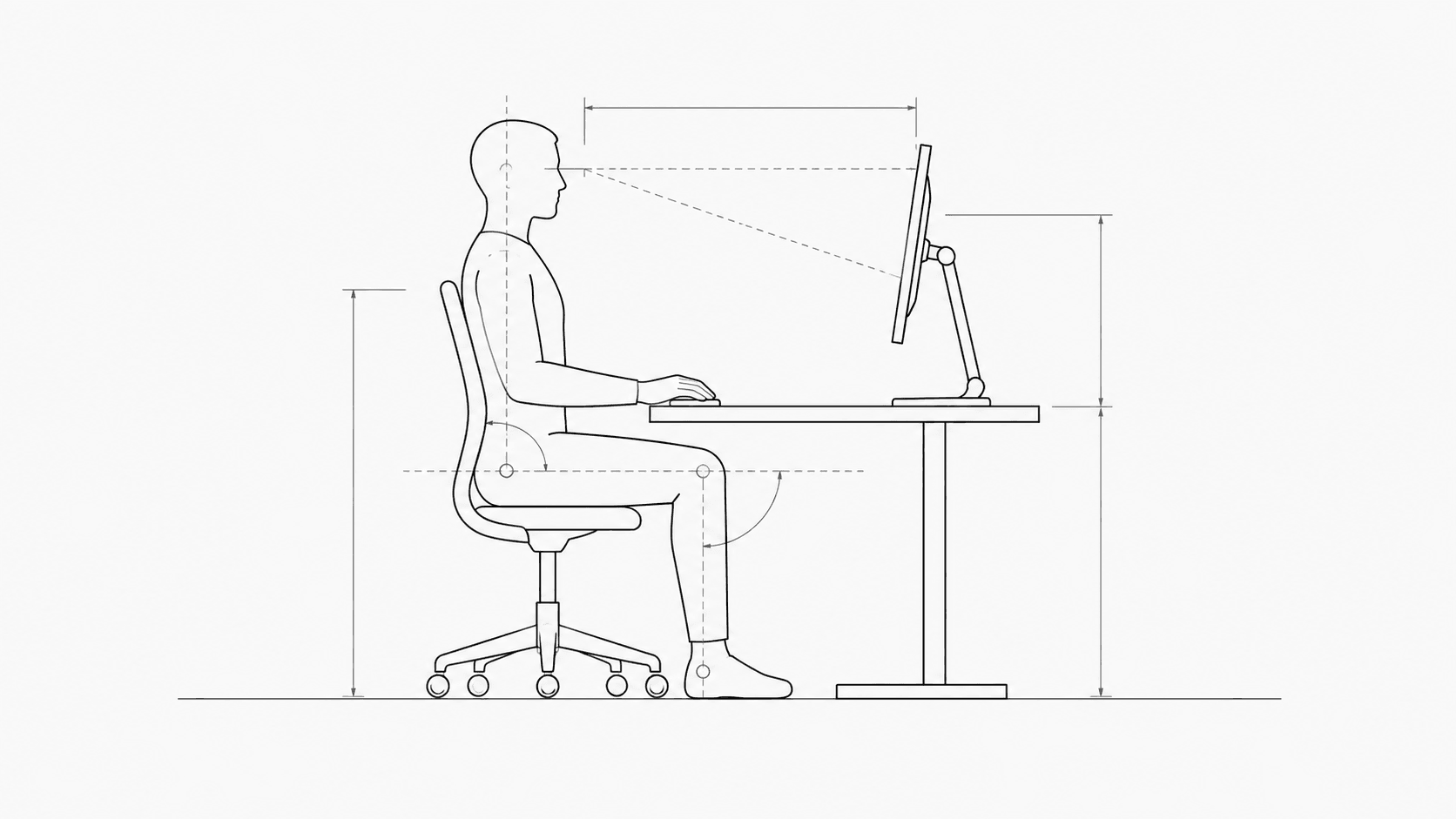
You have seen the diagram. Feet flat, knees at ninety degrees, hips at ninety, elbows at ninety, back straight, screen at eye level. It has been printed on office posters for forty years.
Nothing in it is dangerous. The problem is that it describes a pose, and a pose is not what hurts you. What hurts you is holding any single position for three hours, and the fact that your screen is almost certainly too low and too close.
Why a perfect pose does not survive contact with a workday
Sitting still loads the same tissues continuously. Muscles that hold a position without changing it fatigue, blood flow through them drops, and spinal discs, which have no blood supply of their own and rely on movement to exchange fluid, get nothing. That process does not care whether the angle you are holding is ninety degrees or a hundred and ten.
This is why the useful version of the advice is that the best posture is the next one. A person who slouches, then sits up, then leans back, then stands for a call, is doing better than a person frozen in textbook alignment.
What actually matters, in order
Fix these in sequence. The first two are worth more than everything below them combined, and they are the two the poster gets least specific about.
1. Screen height
The top of your screen should sit at or just below eye level, so your gaze runs slightly downward. Your head weighs roughly five kilograms when balanced over your spine. Tip it forward to look down at a low screen and the effective load on your neck climbs steeply, because the weight is now on a lever arm your neck muscles have to hold up all day.
A slightly downward gaze is also better for your eyes, because it means your eyelids cover more of the eye surface and your tears evaporate more slowly.
2. Screen distance
About an arm's length, so 50 to 70 centimetres for most people. Too close is by far the most common error, and it is expensive twice over. Your eyes hold a stronger focusing effort at close range, and you unconsciously push your head forward to meet the screen, which undoes whatever your chair was doing for your back.
If text is too small at that distance, increase the font size. Do not move the screen. This is the single easiest thing on this list and the one people resist most.
3. Elbows and shoulders
Forearms roughly level with the desk, shoulders relaxed and down. If your armrests are pushing your shoulders up towards your ears, lower them or take them off. Elevated shoulders held for hours is a straight line to a stiff neck and headaches that feel like they come from behind your eyes.
4. Hips slightly above knees
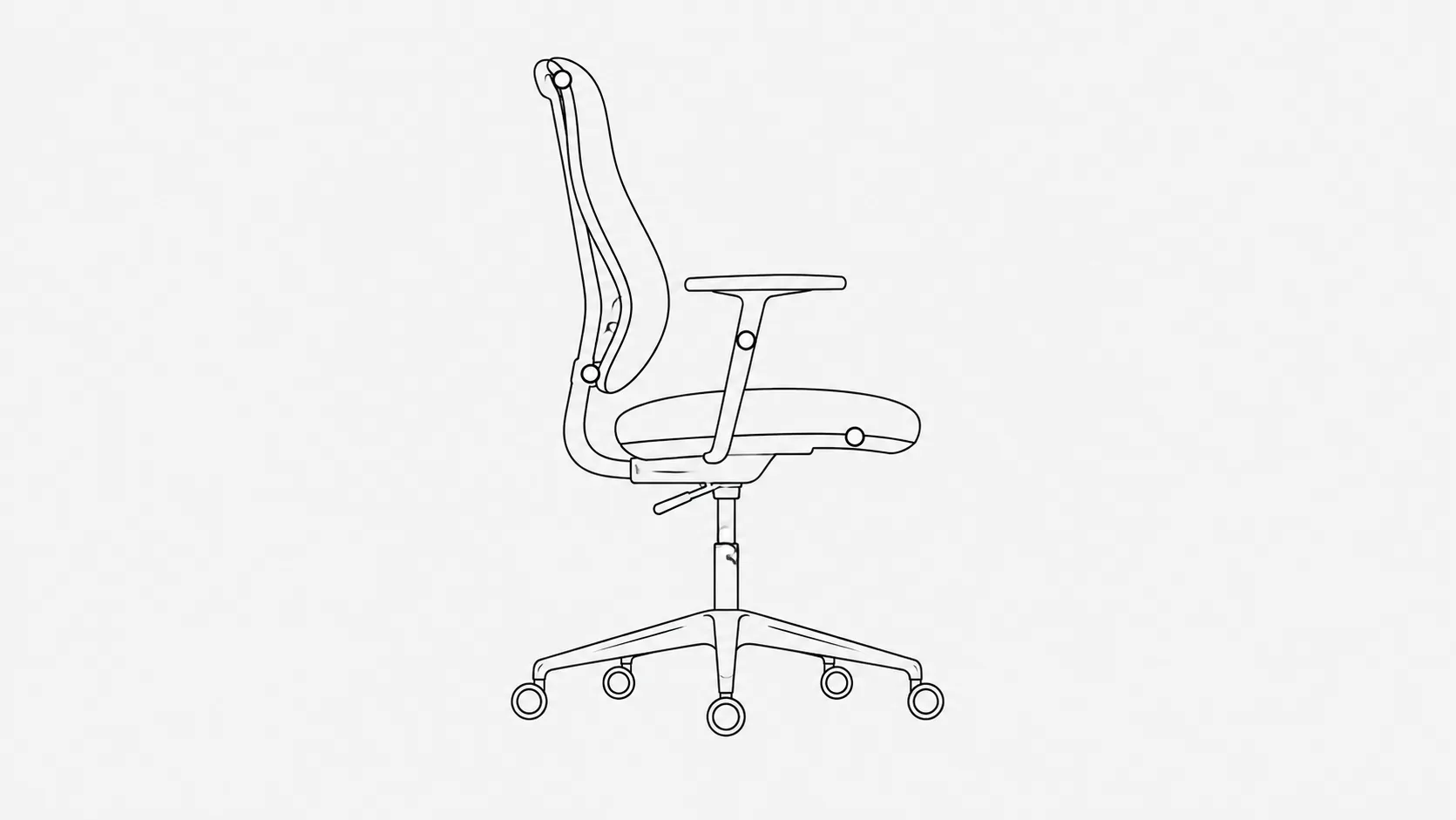
Here is where ninety degrees is actively unhelpful. A hip angle a bit more open, somewhere around 100 to 110 degrees, is more comfortable for most people and lets the lower back keep its natural curve instead of rolling backwards. Raise the seat slightly, or tilt the seat pan forward a couple of degrees if your chair allows it.
5. Feet supported
Raising the seat only works if your feet still have something to press against. Dangling feet drag on the back of your thighs and you will slide forward within the hour. If the desk cannot go up, put a box under your feet. A ream of paper is fine.
6. Lumbar support in the right place
The support should meet the inward curve of your lower back, roughly at belt height. Most people have it set too high, where it pushes the middle of the back forward and does nothing for the part that needs it. A rolled towel at the right height beats an expensive chair at the wrong one.
The laptop problem
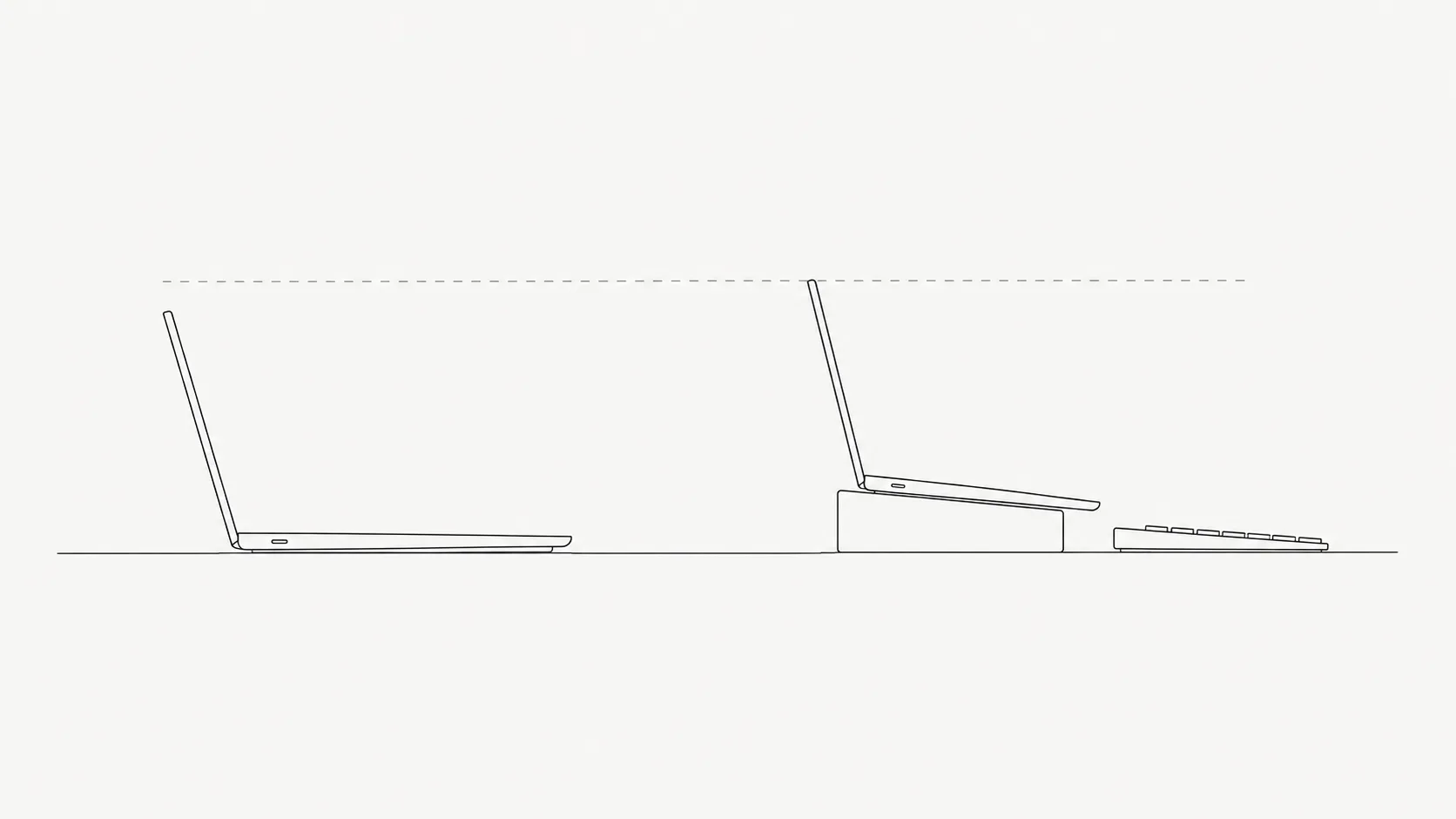
A laptop used on a desk cannot be set up well, and no amount of sitting technique fixes it. The screen and the keyboard are attached to each other, so putting one at the right height guarantees the other is wrong. You are choosing between a bent neck and raised arms.
If you work on a laptop, this is your highest-value change
- Raise the laptop until the top of the screen is at eye level. A stand, a shoebox, or a stack of books all work.
- Add any external keyboard and mouse. This is the part people skip, and without it raising the screen makes things worse.
- Total cost is usually under the price of a month of physiotherapy.
- Working from a sofa or a bed is fine occasionally. It is not a setup, and your neck knows the difference after an hour.
Standing desks are not the answer either
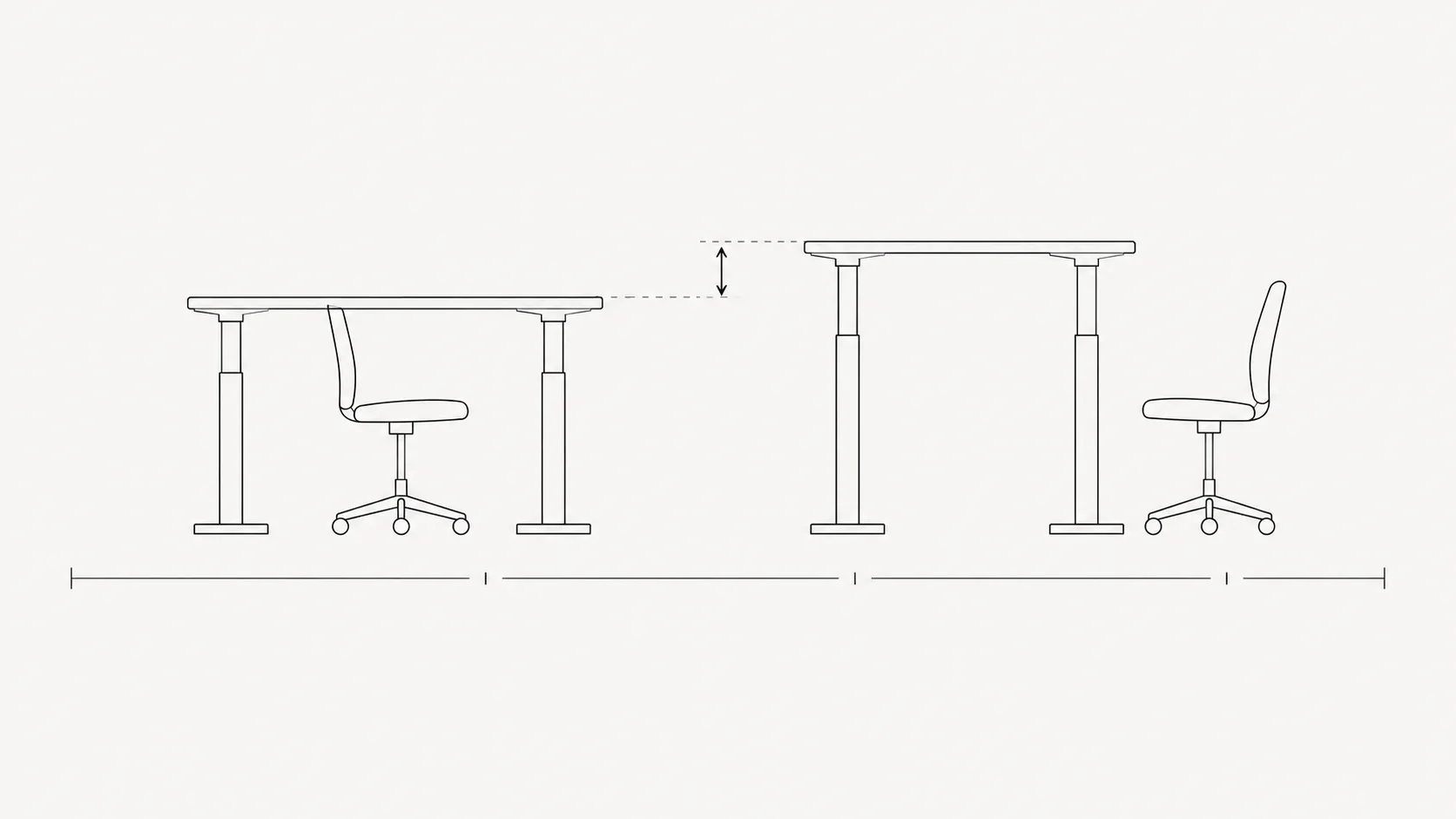
Standing all day trades one set of problems for another, including foot, leg and lower back discomfort, and the productivity claims are thinner than the marketing suggests. The benefit of a sit-stand desk is that it makes changing position easy, not that standing is virtuous. Alternate. Thirty to forty minutes in one mode, then switch.
Three minutes, once
- 1Sit back fully in the chair. Set the seat height so your hips are a little above your knees and your feet are flat or supported.
- 2Slide the chair in until your forearms rest level on the desk with your shoulders down.
- 3Move the screen back to arm's length and raise it so the top edge is level with your eyes. Increase the font size instead of leaning in.
- 4Check the lumbar support sits at belt height, in the hollow of your back.
- 5Set something to interrupt you every half hour, because you will not notice the drift yourself.
That last step is the one that decides whether the other four survive past lunch. Every setup drifts. You lean in when the work gets hard, you slide down when you get tired, and you never catch yourself doing it. TryWorkWell watches for exactly that, and tells you when you have crept forward, so the correction happens in the moment instead of the following morning in your neck.