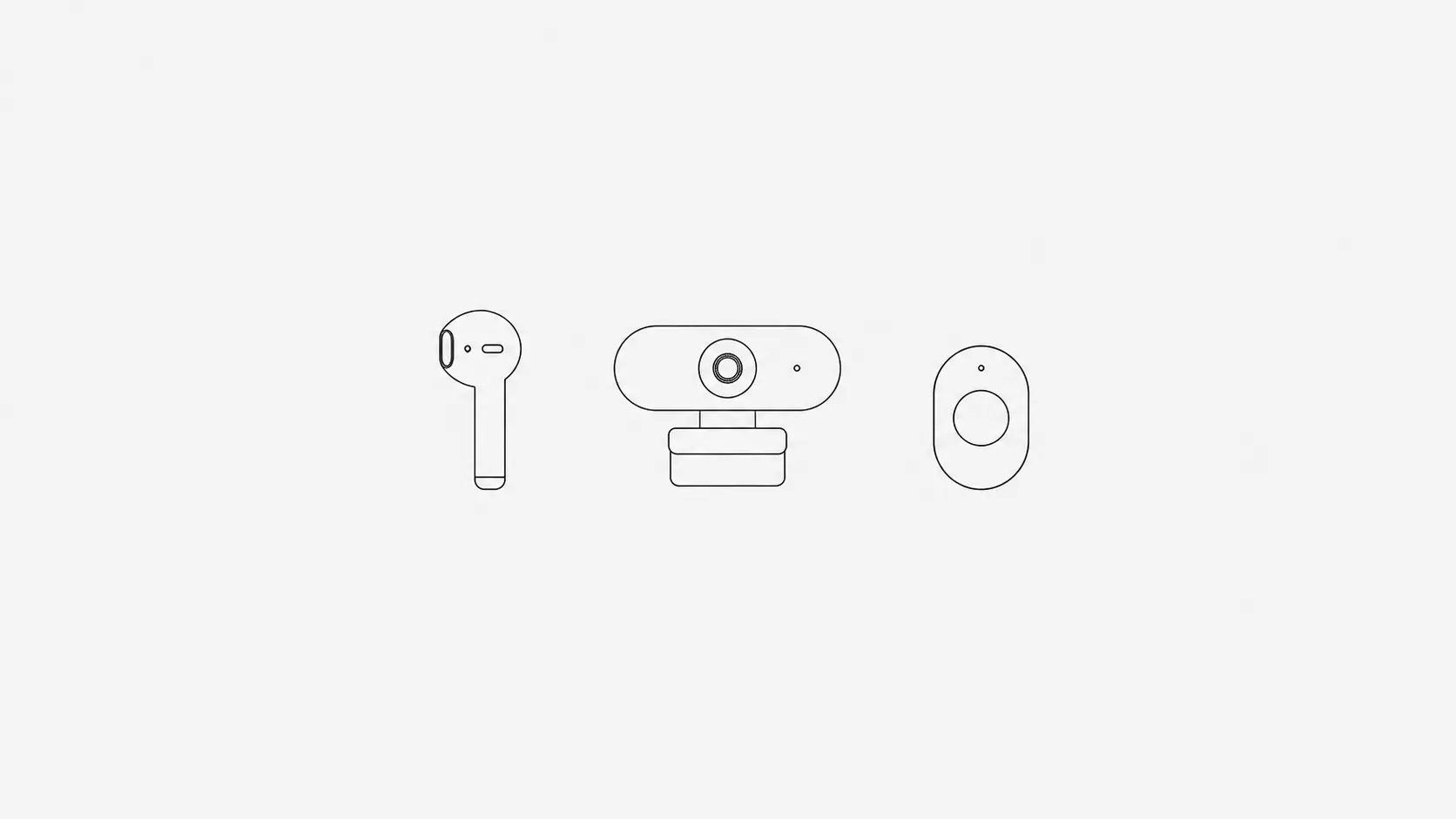
An Upright GO alternative that doesn't need a wearable
Upright GO buzzes when your back rounds. TryWorkWell gives you the same nudge from the webcam you already have, or from your AirPods on a Mac, with no extra device to stick on your spine or charge.
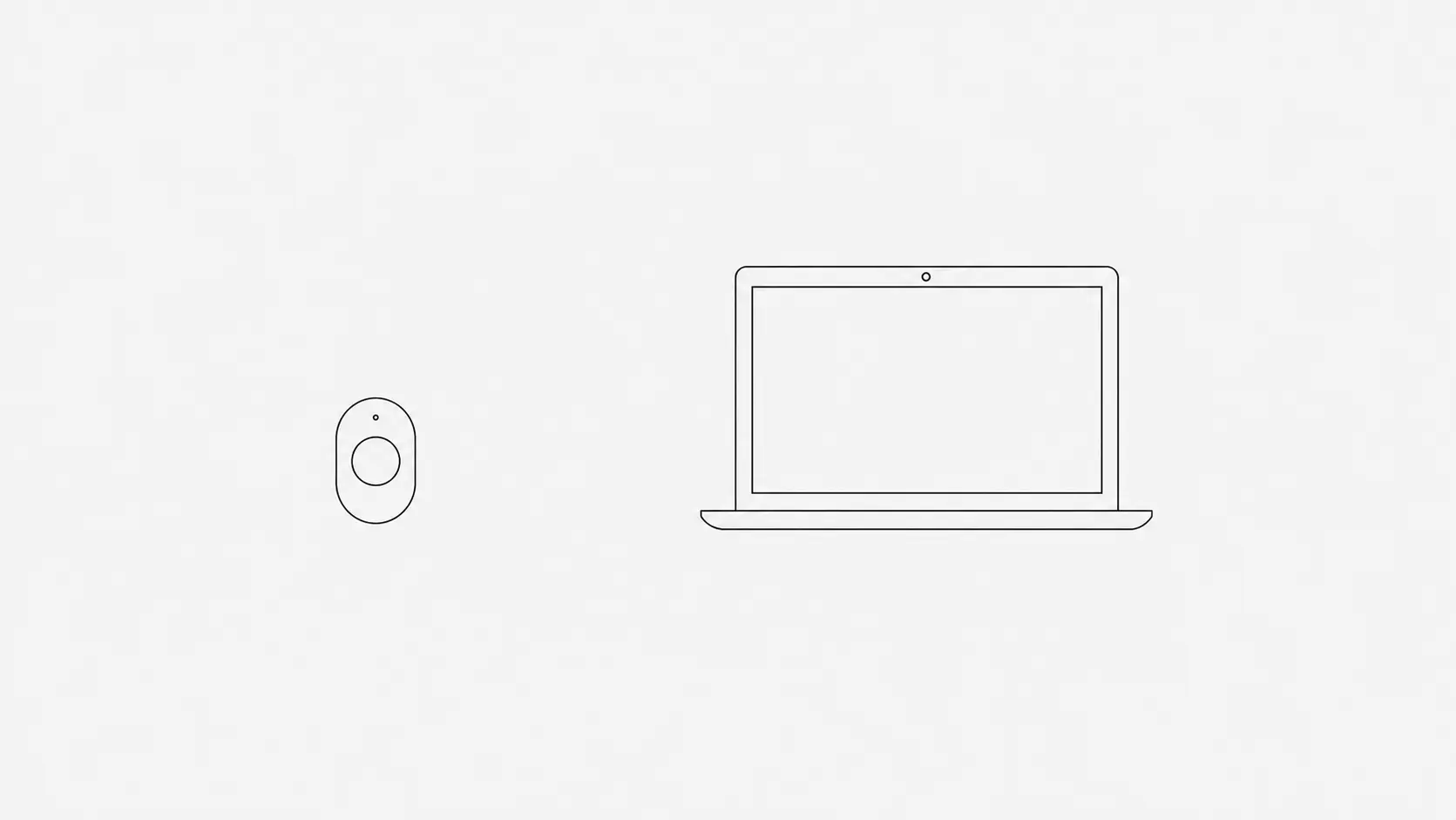
The short answer. If you want what Upright GO does without an extra device on your back, use a posture app on the computer you already have. TryWorkWell watches your posture through your laptop or monitor camera on Mac and Windows, tells you the moment you slouch, and also catches you leaning too close to the screen. On a Mac it can use your AirPods instead, with no camera on. It costs $4.99 a month or $24.99 once after a free trial, against $99.95 for Upright GO 2.
What Upright GO does well
Upright GO 2 is a small sensor you stick to your upper back, or wear on a necklace. When your back rounds past the angle you set, it vibrates. It costs $99.95 (it was $79 on sale when we checked in October 2026), with no subscription, and the app runs on iPhone, Android and Apple silicon Macs.
It has real strengths. It measures your upper back directly rather than working it out from your head and shoulders. It works away from the desk, on a sofa, in a car, standing at a counter. And a vibration on your back is hard to ignore in a way a notification is not.
Why people look for something else
- You have to wear it. Every day, in the right spot, charged. On the days it stays in the drawer, it does nothing.
- The adhesive. Some people dislike sticking something to their skin daily, or find it irritating.
- The upfront cost. Close to $100 before you know whether you will keep using it.
- It only knows about your back. It cannot tell that you are leaning in towards the screen, which is often how the slouch starts.
The reason a buzzing sensor helps at all is worth knowing before you replace it. The vibration is not holding you up; it is a cue that arrives while you are slouching, and the cue is what does the work. Our piece on posture braces covers the same mechanism. Anything that delivers that cue at the right moment can do the same job.
Upright GO 2 and TryWorkWell side by side
| Upright GO 2 | TryWorkWell | |
|---|---|---|
| How it tracks | Sensor worn on your upper back | Your webcam, or AirPods on a Mac |
| What it sees | The angle of your upper back | Webcam: your head and shoulders, and how close you sit to the screen. AirPods: the angle of your head |
| Where it works | Anywhere, while you wear it | At your computer |
| What you need | The device, stuck on or worn, and charged | A Mac or Windows computer with a webcam. For AirPods: AirPods Pro, AirPods Max or AirPods (3rd generation or later), on macOS 14 or later |
| How it tells you | Vibration | Notification with a sound |
| Also does | Posture only | Break, eye-rest and water reminders, a focus timer and focus sounds |
| Price | $99.95 once | $4.99/month or $24.99 once, after a free trial |
How TryWorkWell does the same job
You sit upright once to calibrate, and from then on TryWorkWell checks the camera every few seconds. When your head and shoulders drift past that line for long enough, it tells you. You get the same in-the-moment cue as the vibration, with nothing to wear or charge.
The camera also sees something a back sensor cannot: how close your face is to the screen. Creeping towards the monitor is one of the most common ways a good posture collapses, and catching it early stops the rest of the slouch. Our article on monitor distance explains why that distance matters for your neck and eyes.
Everything happens on your own computer. The camera image is analysed and discarded, nothing is recorded, and nothing is uploaded. The trade-off is that it only works while you are in front of the computer.
On a Mac, with AirPods instead of the camera
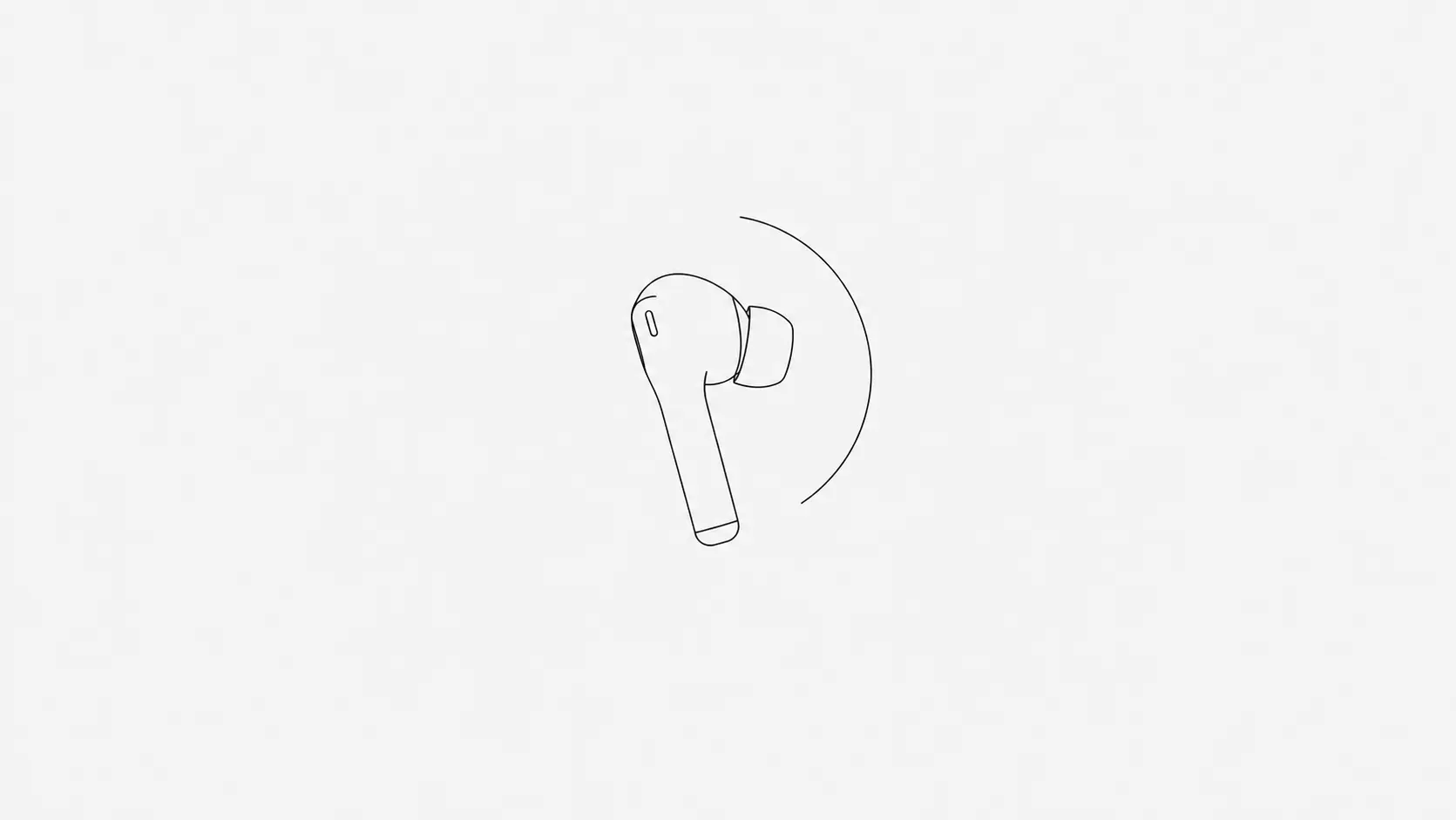
Switch the tracker to AirPods in Settings › Posture tracker › Track with, and TryWorkWell reads the angle of your head from the AirPods motion sensor, with no camera involved. It is the closest thing to how Upright GO works: a sensor on you rather than a camera pointed at you, except it is one you already wear and already charge. You sit upright for about three seconds to calibrate, and you get the same alerts, sensitivity setting and posture score as with the camera.
The catch is that AirPods only know where your head is pointing. They cannot see your shoulders or how close you sit to the screen, so this mode has no screen distance alerts. They also only track while they are in your ears and connected to the Mac. The motion data stays on the Mac. On Windows, TryWorkWell uses the camera. Our guide to AirPods posture tracking covers setup and which models work.
When Upright GO is still the better choice
- Most of your slouching happens away from a computer: on the sofa, driving, or standing at work.
- You want no camera running and you are on Windows, or do not wear AirPods at your desk.
- You ignore on-screen alerts but respond to a physical buzz.
If most of your bad posture happens at a desk, which is where most people spend the hours, TryWorkWell gives you the same cue for a fraction of the price, with nothing extra to wear.